
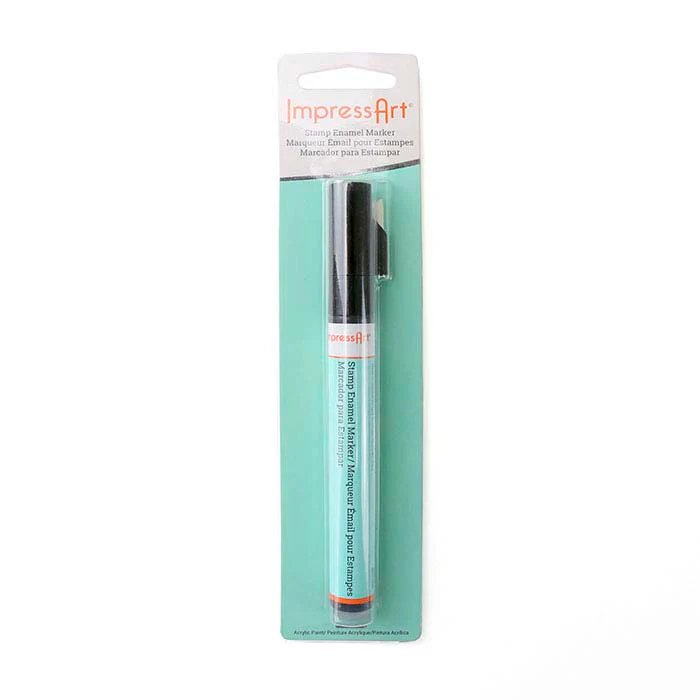


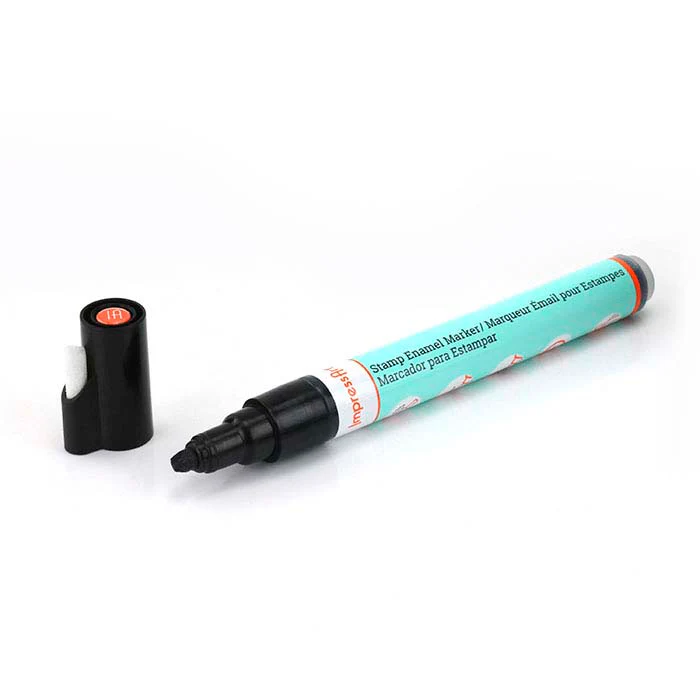
ImpressArt® Black Design Stamp Enamel Marker
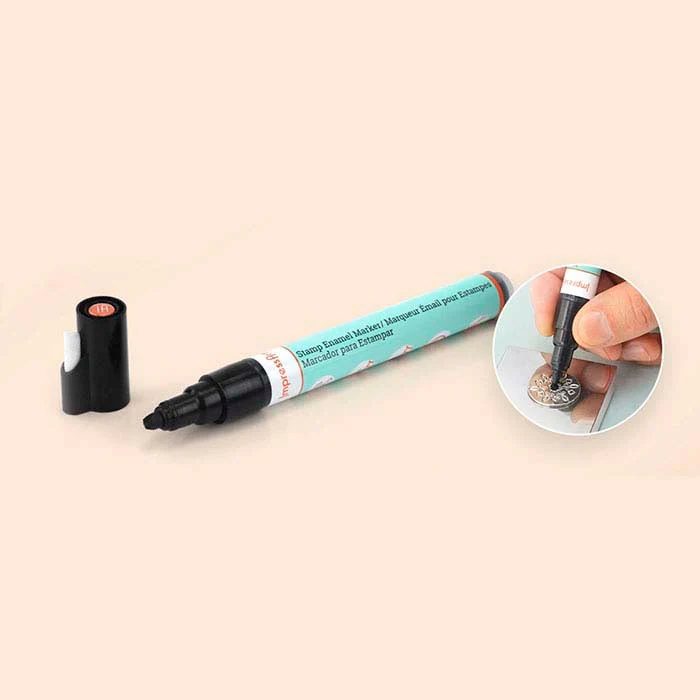
Make your stamped impressions stand out by darkening them with this black acrylic ink ImpressArt® marker. Apply the enamel inside the impression with the easy-to-use applicator marker; make sure the entire impression is coated with the enamel by running the tip of the marker over the impression left-to-right. Allow the enamel to dry for 1–3 minutes, then wipe away excess ink with a soft cloth. After the enamel is dry, a toothpick may be used to gently remove any unwanted enamel from around the edges of the impression. Larger impressions need more time to dry before removing excess.
Original: $11.62
-70%$11.62
$3.49Product Information
Product Information
Shipping & Returns
Shipping & Returns
Description
Make your stamped impressions stand out by darkening them with this black acrylic ink ImpressArt® marker. Apply the enamel inside the impression with the easy-to-use applicator marker; make sure the entire impression is coated with the enamel by running the tip of the marker over the impression left-to-right. Allow the enamel to dry for 1–3 minutes, then wipe away excess ink with a soft cloth. After the enamel is dry, a toothpick may be used to gently remove any unwanted enamel from around the edges of the impression. Larger impressions need more time to dry before removing excess.